neXum
A downloadable sandbox for Windows
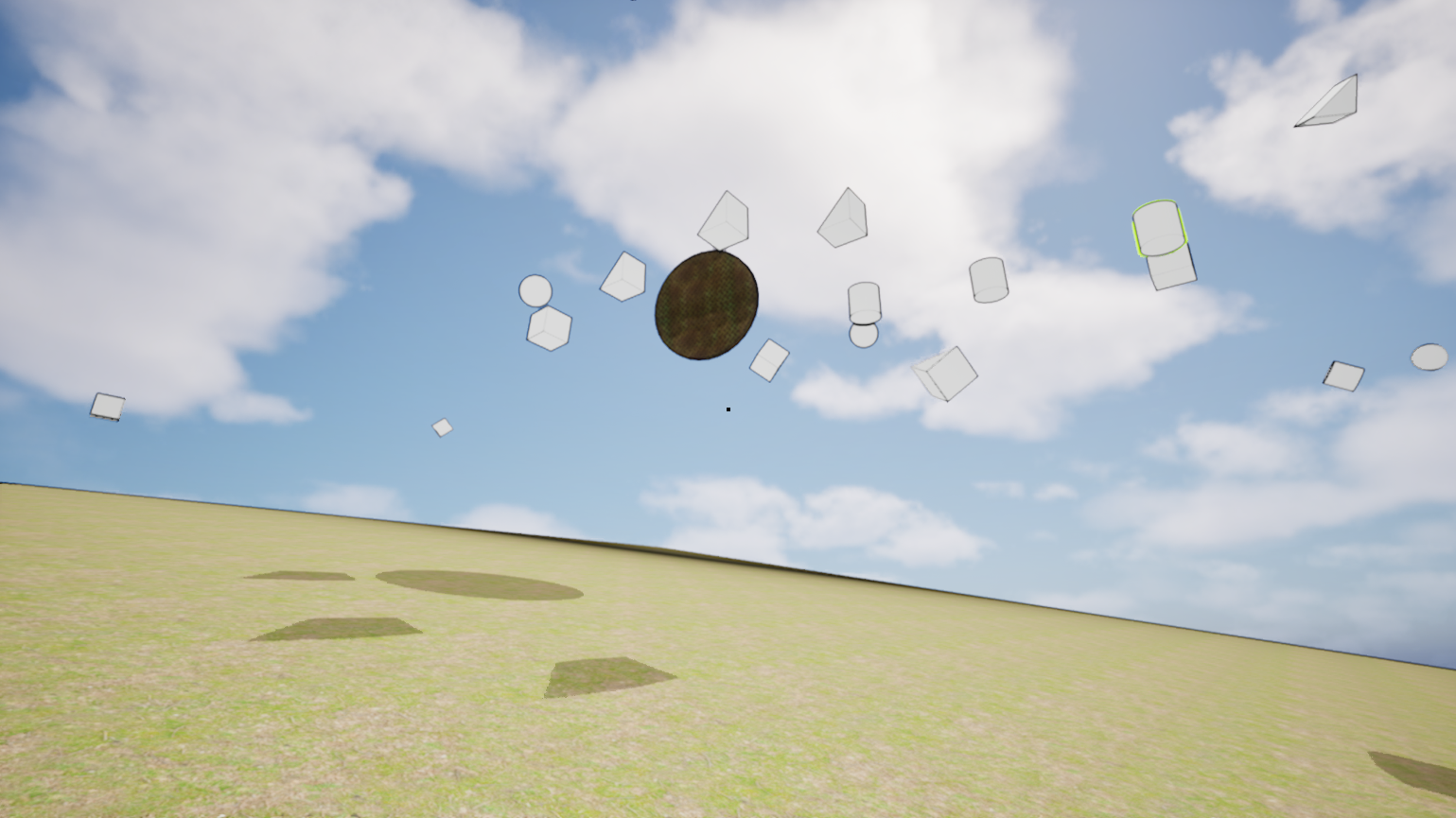
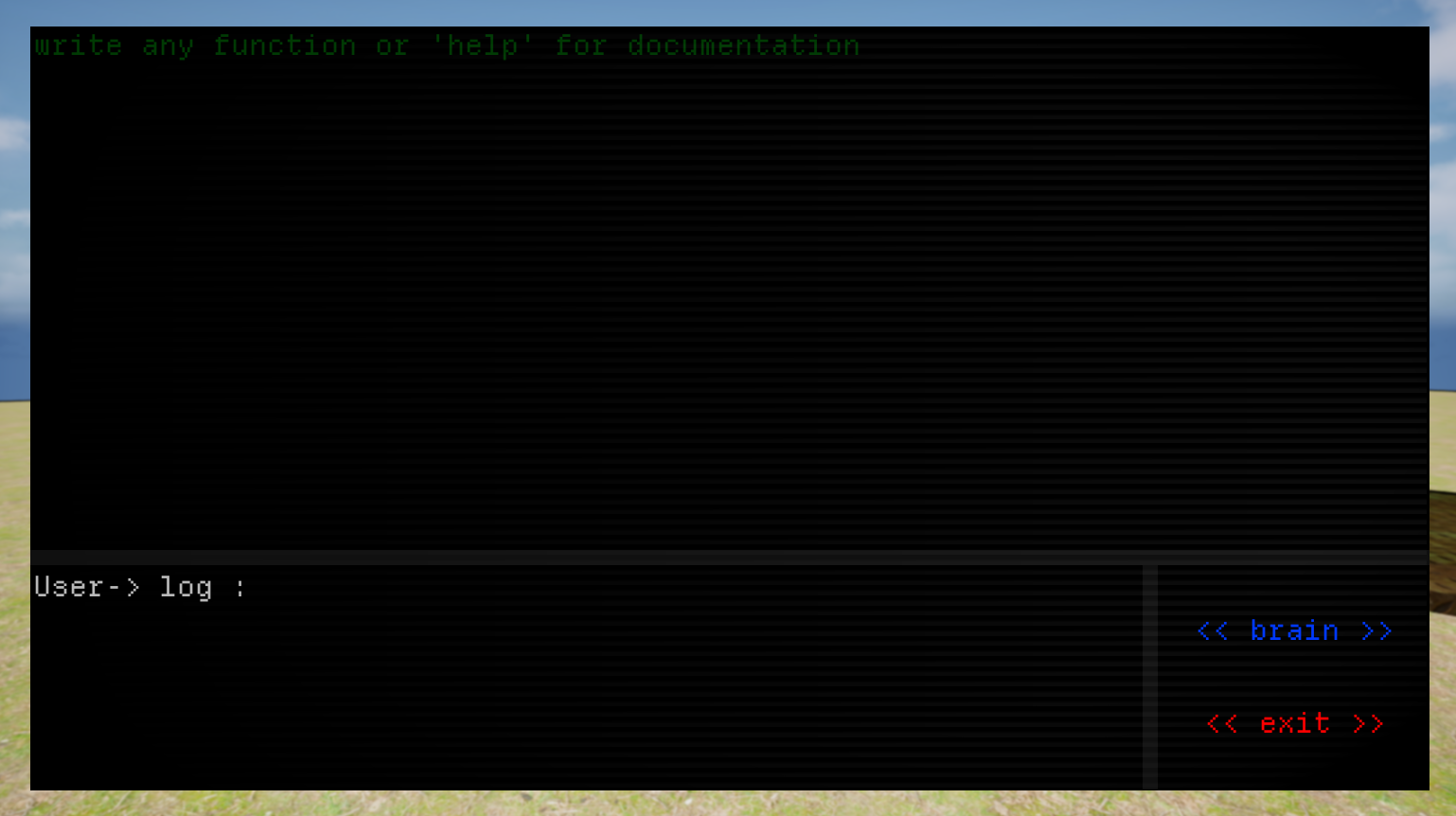
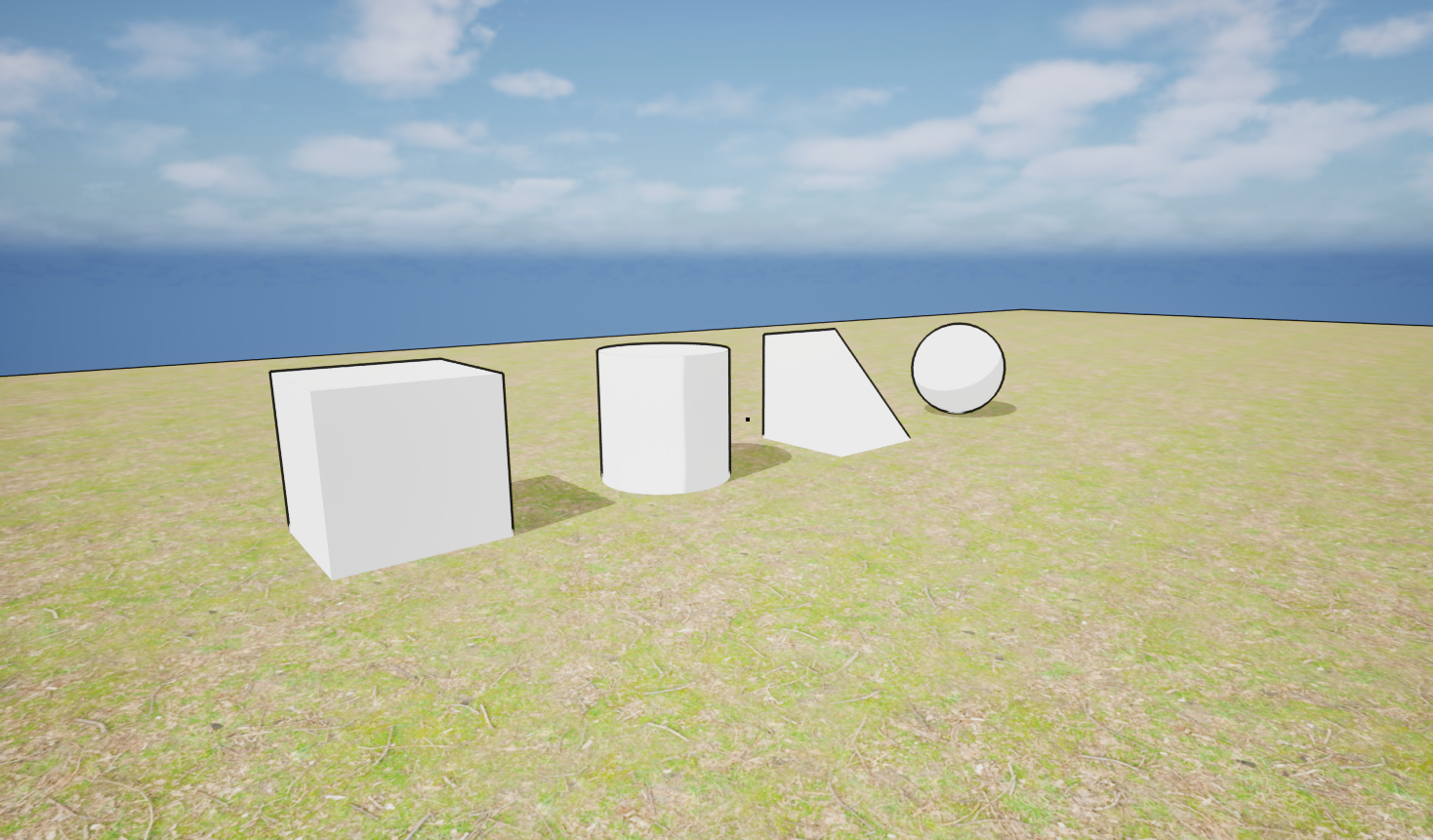
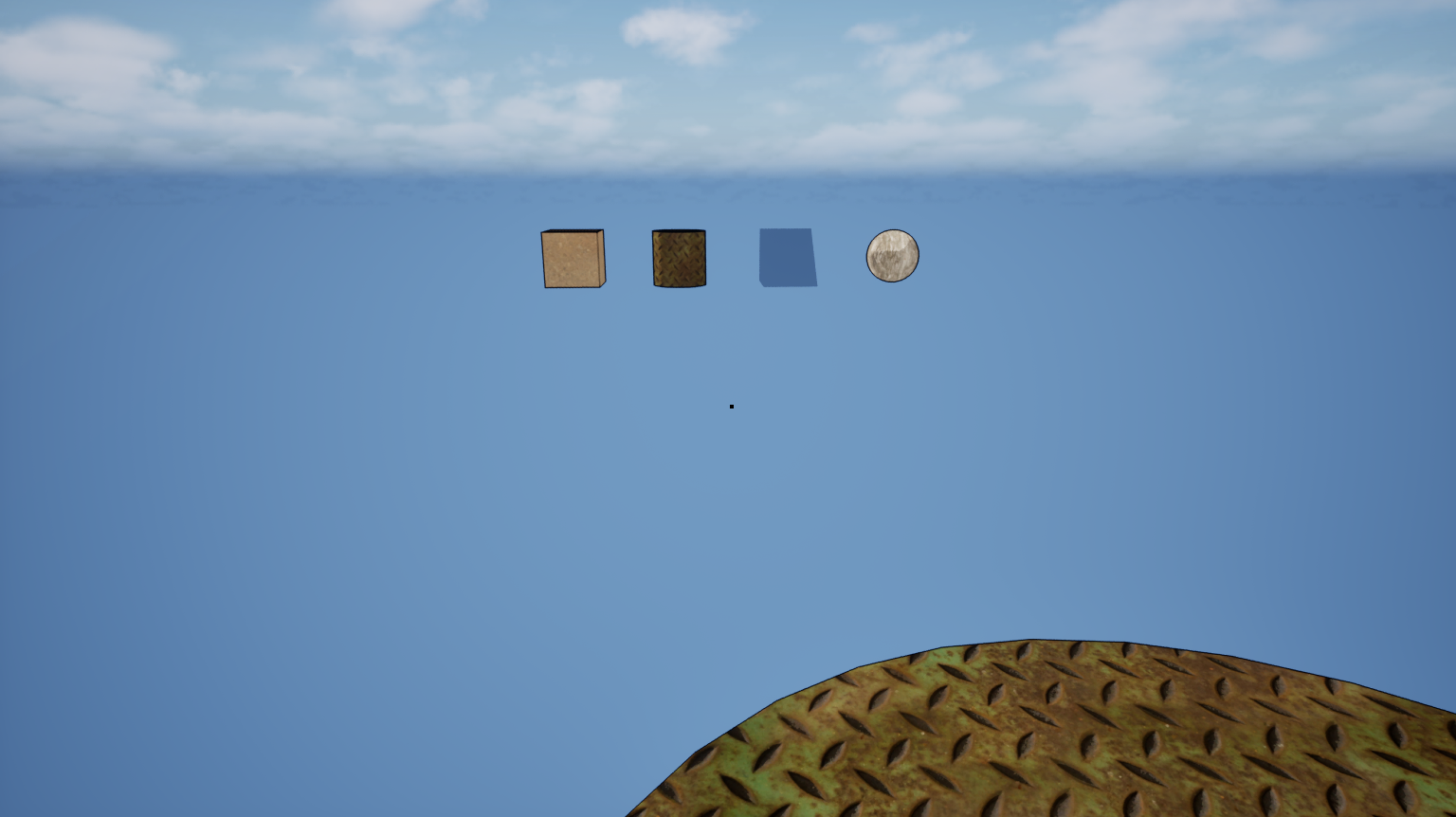
neXum is an experimental, sandbox simulation powered by Unreal Engine 5. The entire world is controlled exclusively through a strict Command Line Interface (CLI).
Key Features:
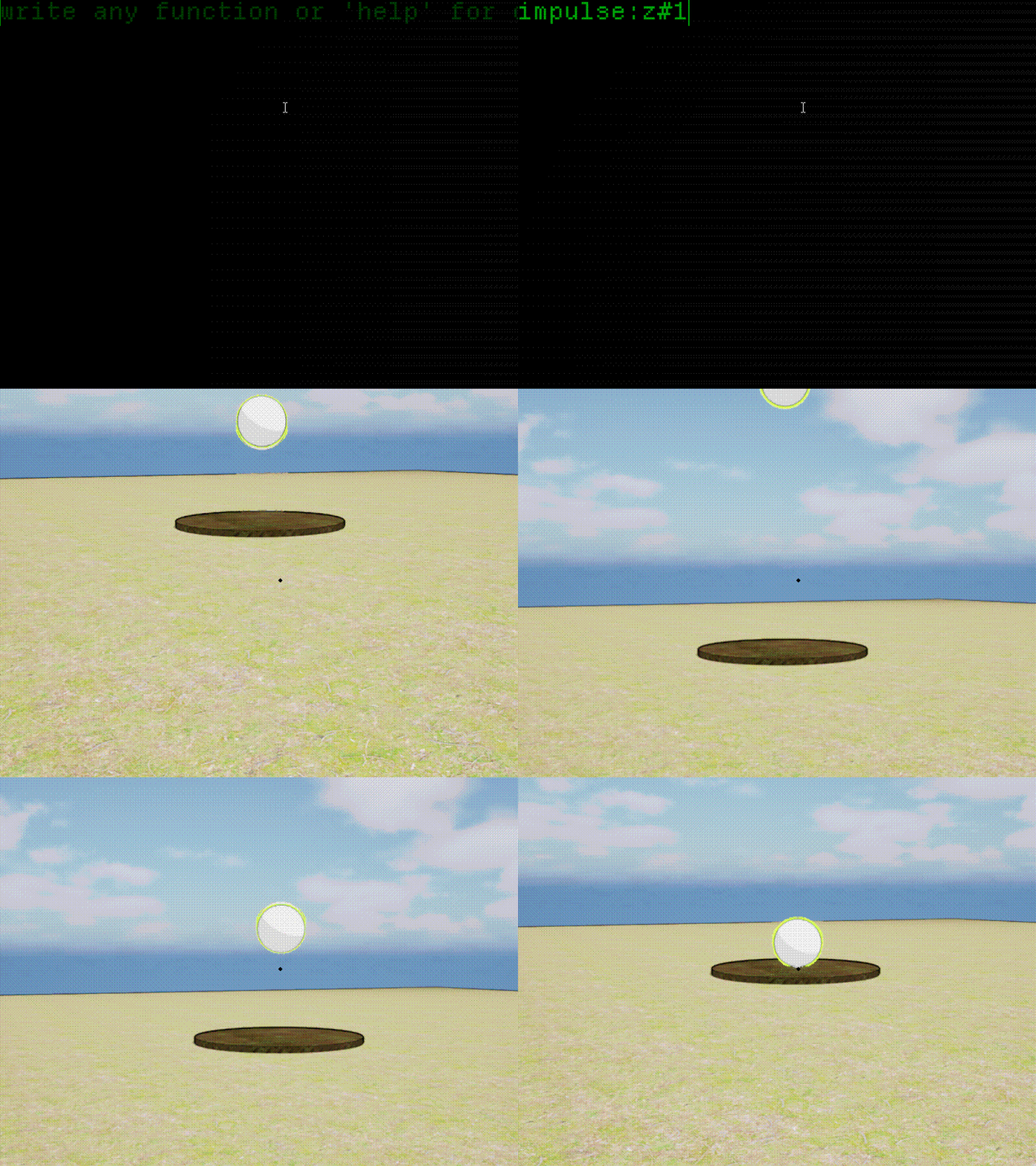
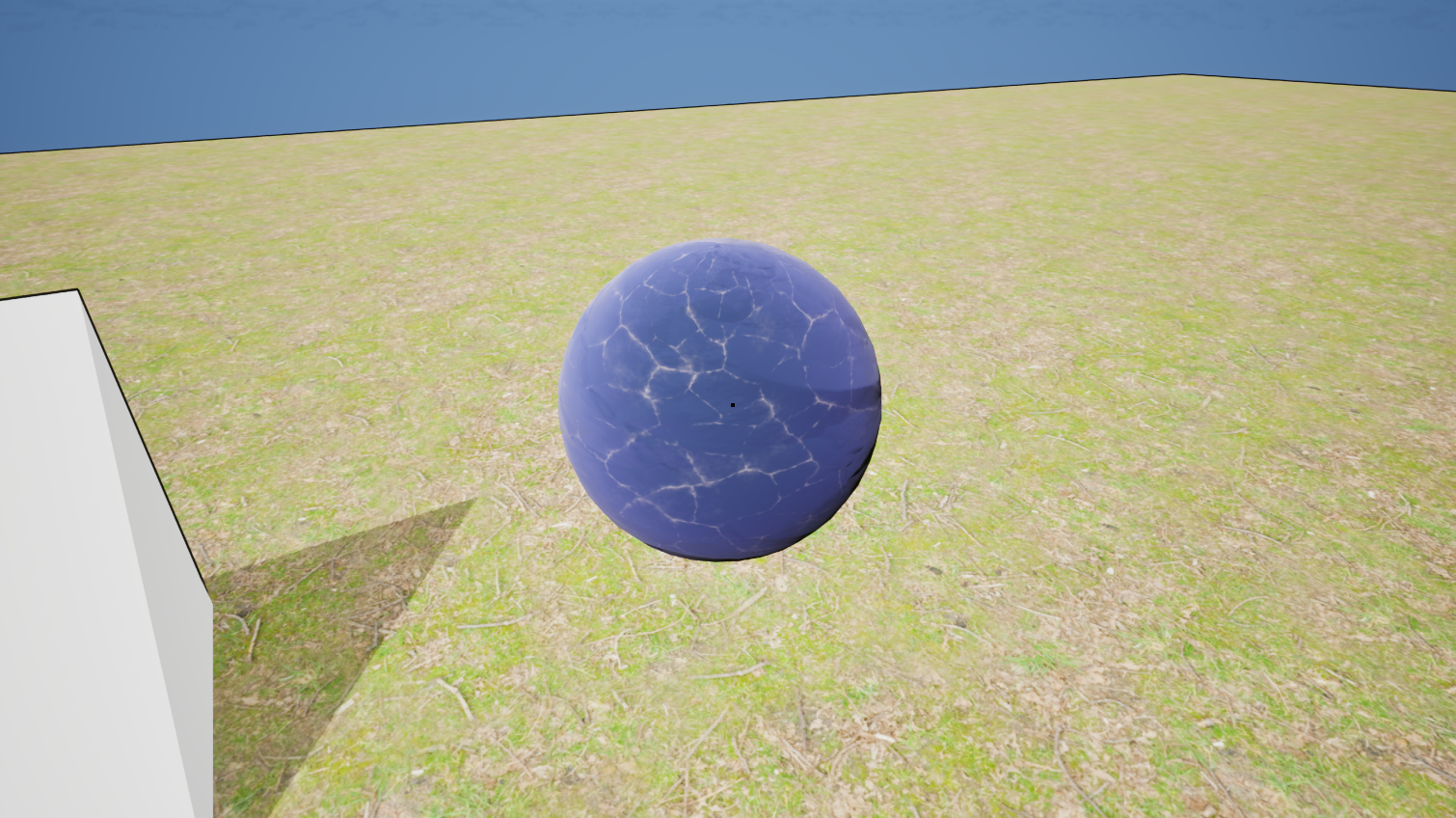
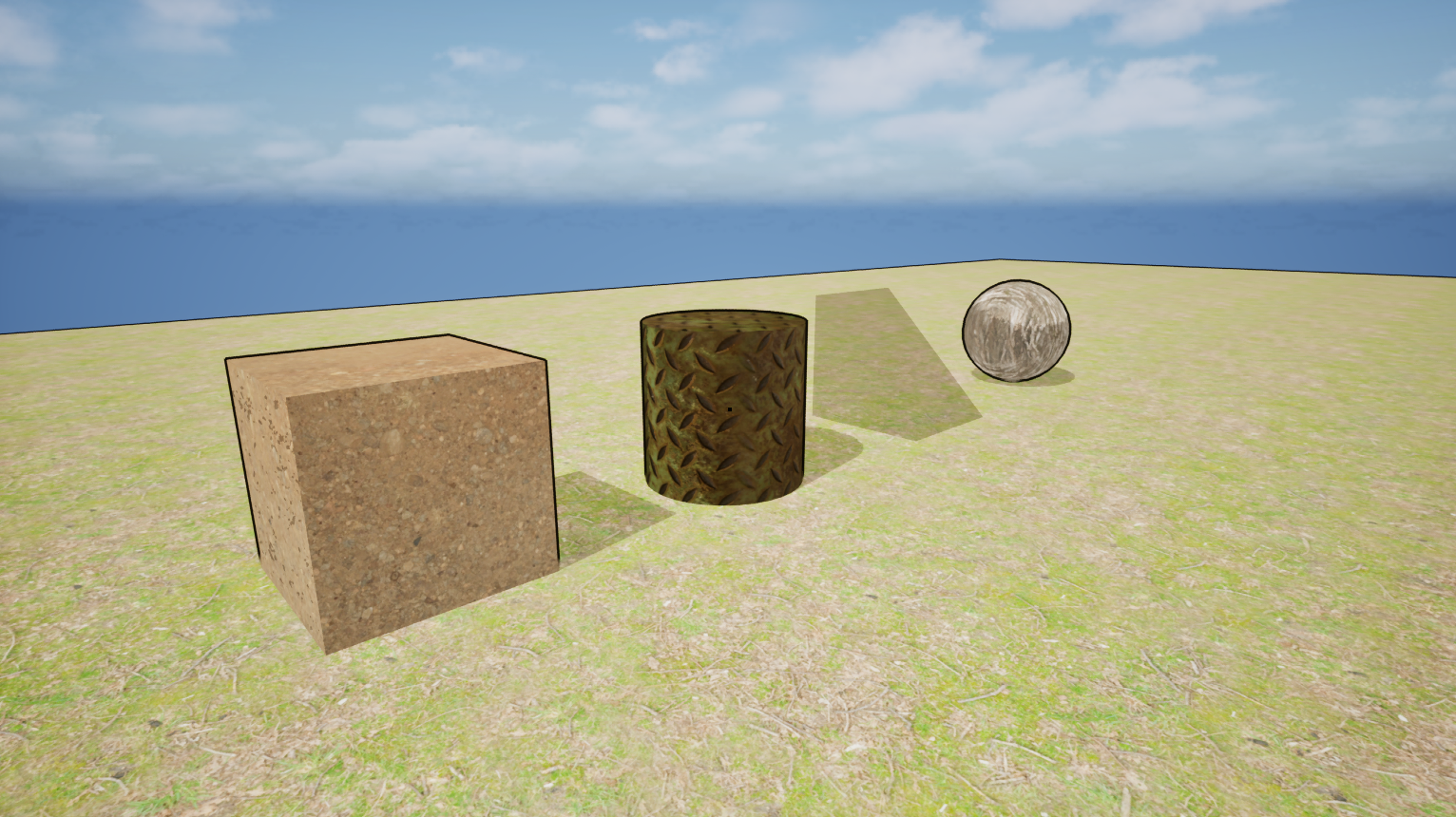
- 20 Core Functions: Control 3D primitives, materials, physics matrices, global time dilation, and trigger kinetic explosions.
- Advanced Batch Scripting: Write entire logic chains using multi-line inputs. Press
Enterto stack commands and execute them all in a single compilation session. - OS Integration Sandbox: Safely interact with your host Windows OS directly from the in-game terminal (generate text files, manage clipboards, or summon diagnostics).
Note: To get started, type 'help' in the in-game console to automatically open the official, comprehensive PDF Technical Manual in your browser!
Download
Install instructions
Download & Install Instructions :
- Unpack the downloaded
.ziparchive into any folder. - Launch
neXum.exe. - Once in the simulation, hit the terminal key and type
helpto open the full guide. Enjoy compiling!
!Note on Windows Defender / SmartScreen: Since this is an indie alpha build without an expensive digital certificate, Windows SmartScreen might flag the .exe file as unrecognized.
- What to do: Click on "More info" in the pop-up window, and then click "Run anyway".
Development log
- Devlog #3: Material & Color Fix (v1.1.2)54 days ago
- Devlog #2: Graphics & Material Fix (v1.1.1)54 days ago
- Devlog #1: First Hotfix & Object Inspection (v1.1)54 days ago
Comments
Log in with itch.io to leave a comment.
Hey guys!
First of all, a massive thank you to the first 5 people who downloaded the game. It’s incredibly exciting to see your interest!
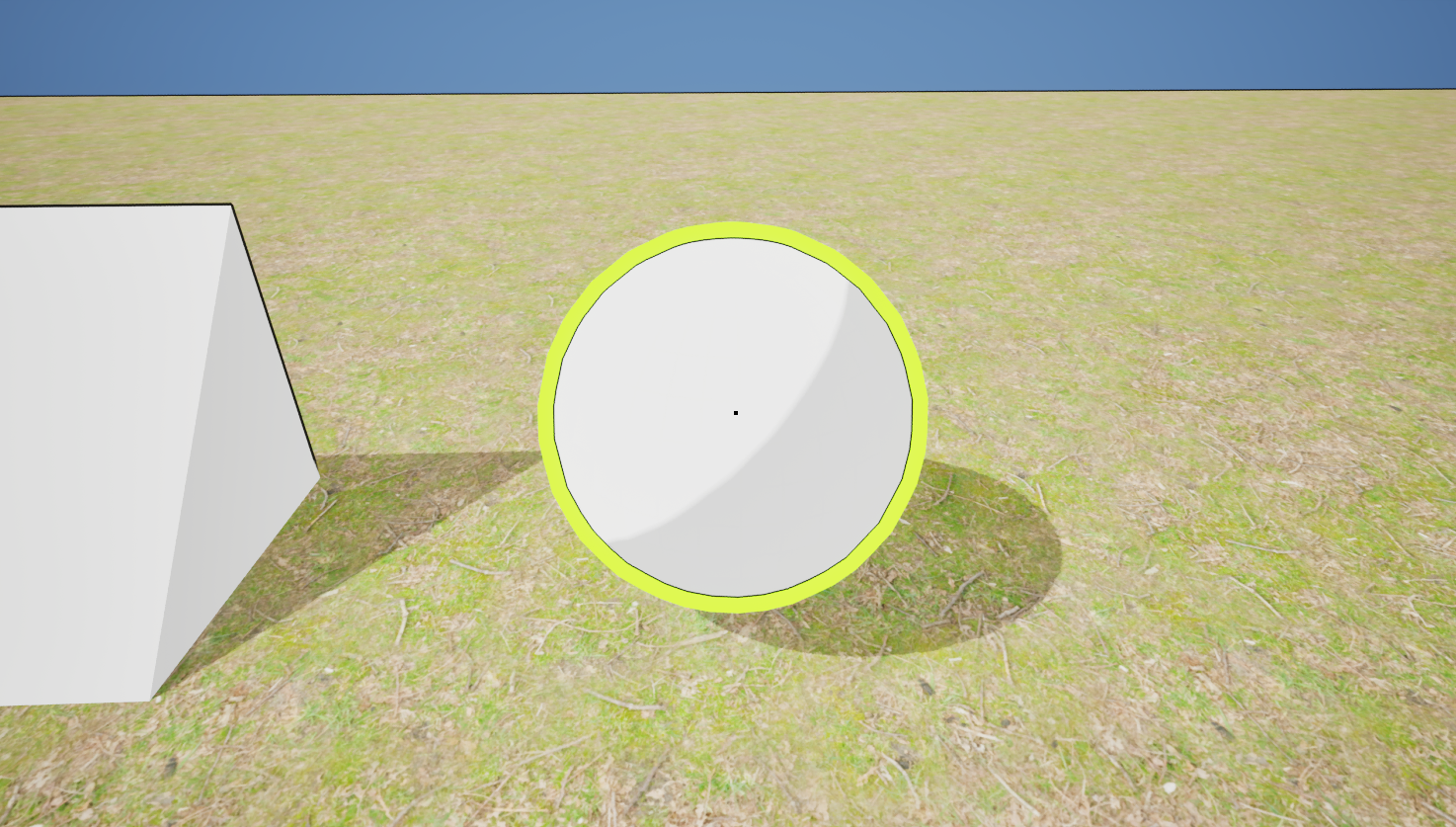
A quick heads-up: I accidentally left an important feature out of the initial manual. You can press F10 to inspect the selected object. This will instantly display its exact X, Y, Z coordinates, size & rotation. It’s higly useful for terminal routing and precise sandbox manipulation!
Please use this thread to drop your thoughts, bugs, or any feedback. I’d love to know what you think!